
How to Activate Pattern Collection (Including Disney)
- Login to CanvasWorkspace.
- Click Pattern Collection Activation on Account Settings.
- Enter the activation code on the activation card, and then click “Activate”.*
- Confirm the information, and click “Activate”.
- Now you can start using the pattern collection.
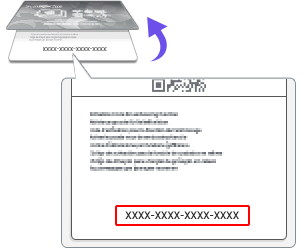
* Some pattern collections require selecting the machine after entering the activation code. For machine selection, your machine needs to be registered. For more details, refer to " What is machine registration? ".