
How to Download and Import My Project, Design Pattern Collections, and Disney
Launch the PC version of CanvasWorkspace and follow the steps below to download the data.
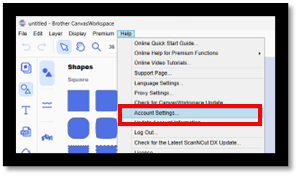
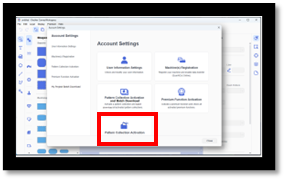
 You can download the ZIP file by clicking this button.
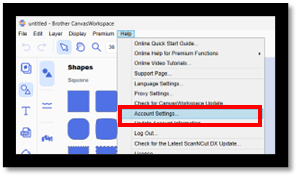
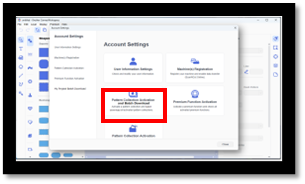
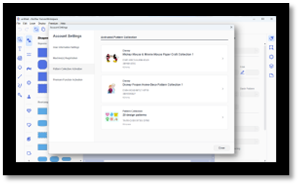
You can download the ZIP file by clicking this button.
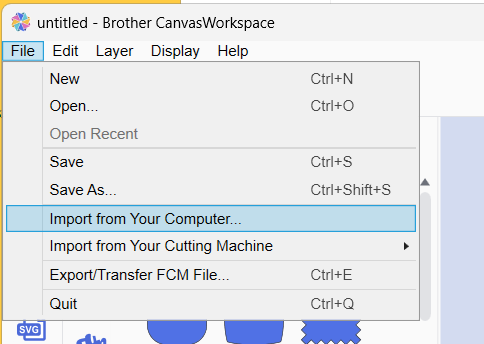
Download the ZIP file in advance and extract it.
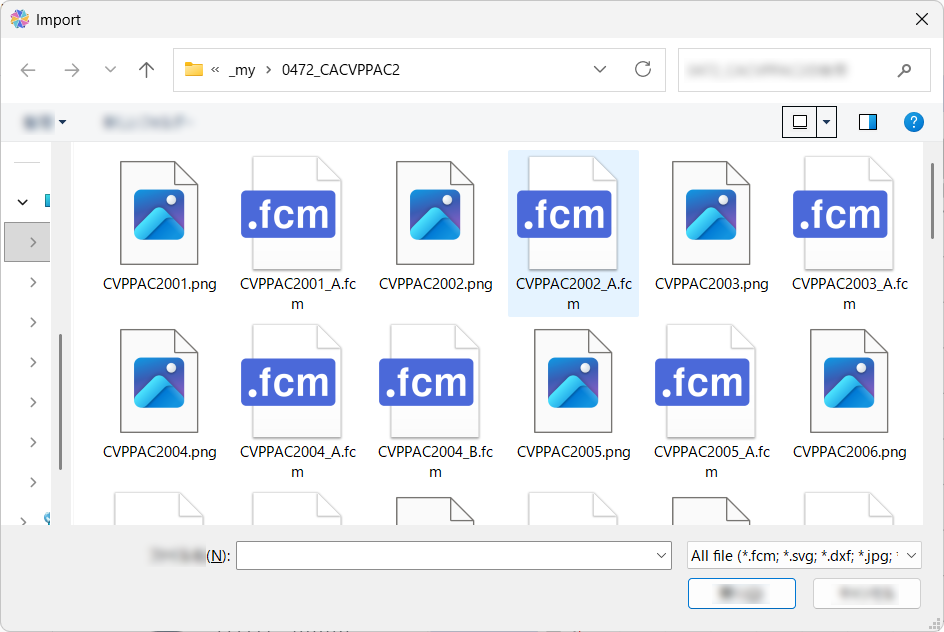
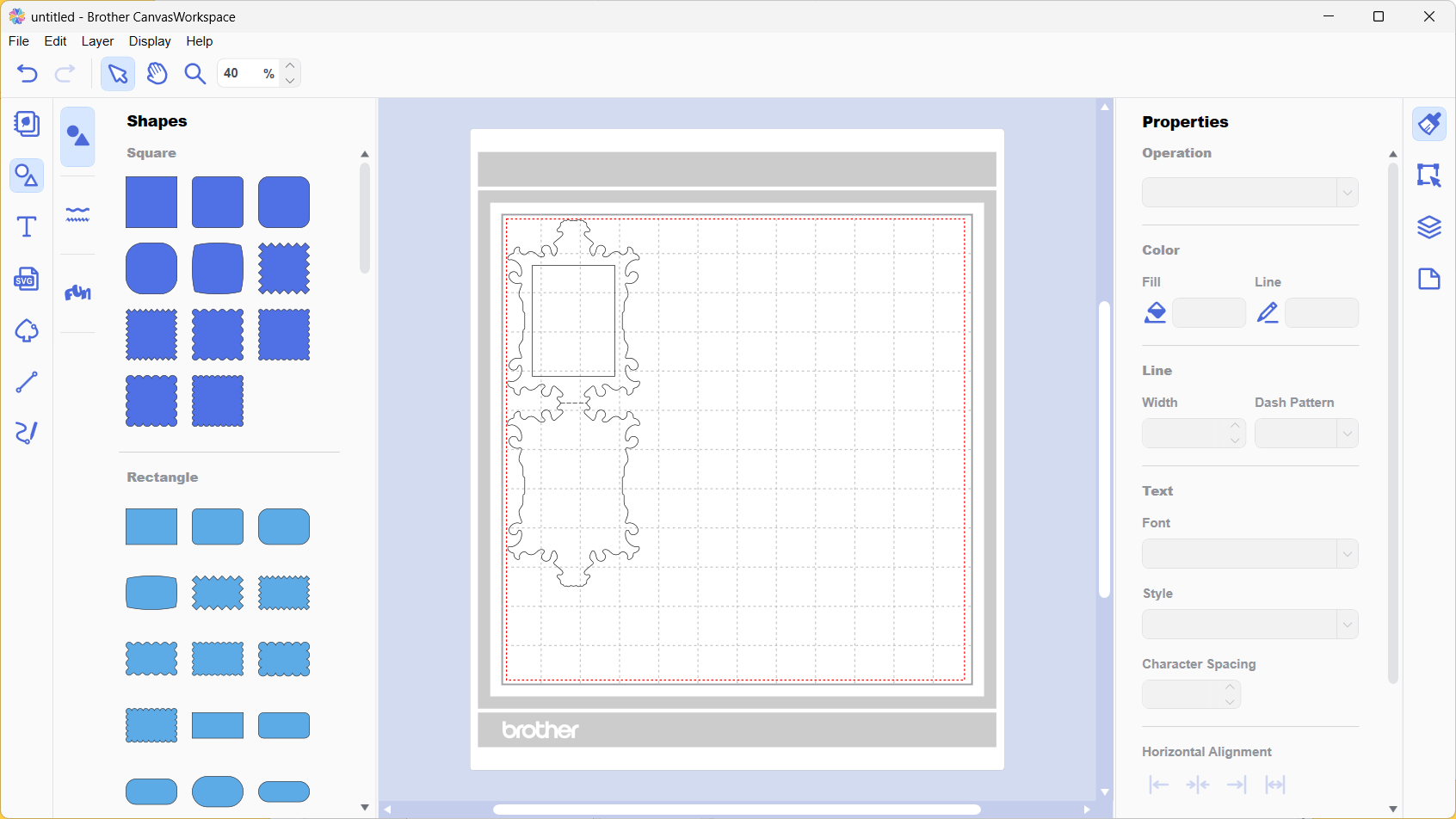
Unzip the downloaded ZIP file.
[ Notification ]
Only FCM files can be imported.
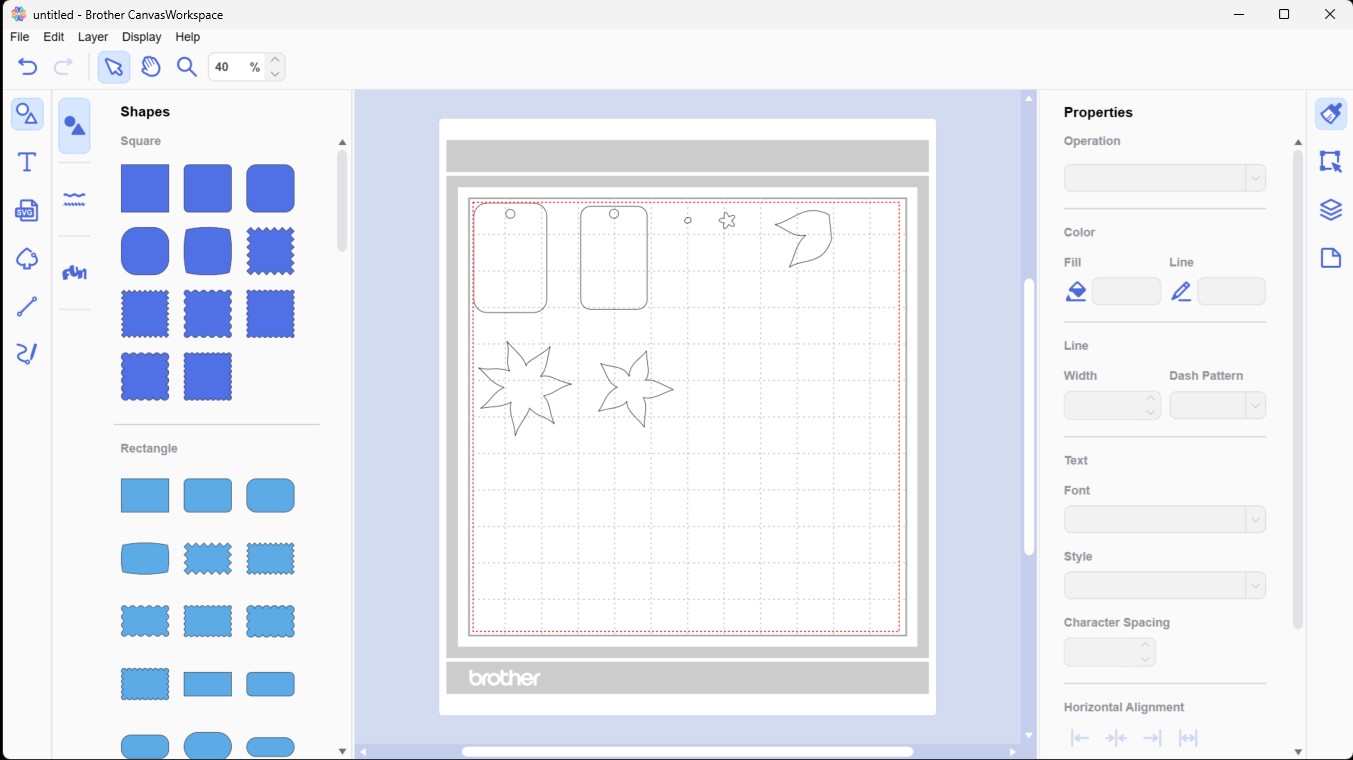
The import was successful.
How to download
My Project
You can download the ZIP file by clicking this button.
Pattern Collection and Disney
You can download the ZIP file by clicking this button.
How to import into CanvasWorkspace PC (My Projects, Typical Content in a Design Pattern Collection)
* To use Disney data (FCN files), please unzip the downloaded ZIP file, save the required data to a USB media, and then retrieve it on the machine using “Retrieve Data”.
Download the ZIP file in advance and extract it.
Unzip the downloaded ZIP file.
[ Notification ]
Only FCM files can be imported.
The import was successful.