
About CanvasWorkspace and ScanNCut Link
About CanvasWorkspace
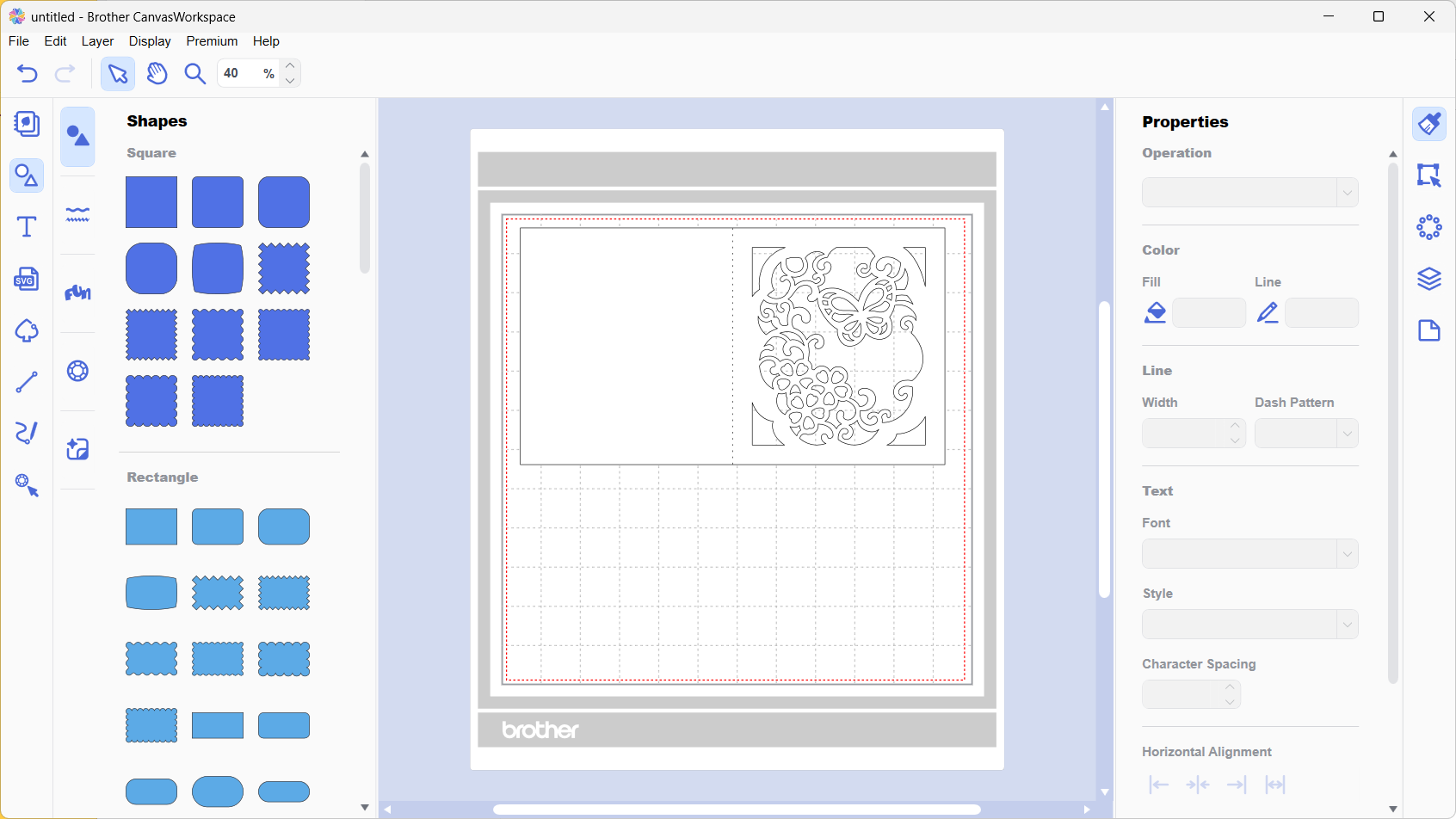
CanvasWorkspace is available as a desktop version that you install on your computer.
-
PC Version
:
Install and use it on Windows PC or Mac. All editing features are available.
* The CanvasWorkspace Web version has been discontinued.
CanvasWorkspace is an application used to transfer design data for cutting and drawing in ScanNCut to the cutting machine itself, as well as to create and edit new designs. While basic operations such as scanning and cutting can be performed directly on the ScanNCut unit, CanvasWorkspace allows you to create and edit cutting data.
About ScanNCut Link
ScanNCut Link is a plug-in for Adobe® Illustrator® that allows you to create cutting data for ScanNCut directly within Illustrator and perform alignment cuts (SDX series only). An activation code is required to use ScanNCut Link. The availability of ScanNCut Link activation codes is limited to specific countries and regions.
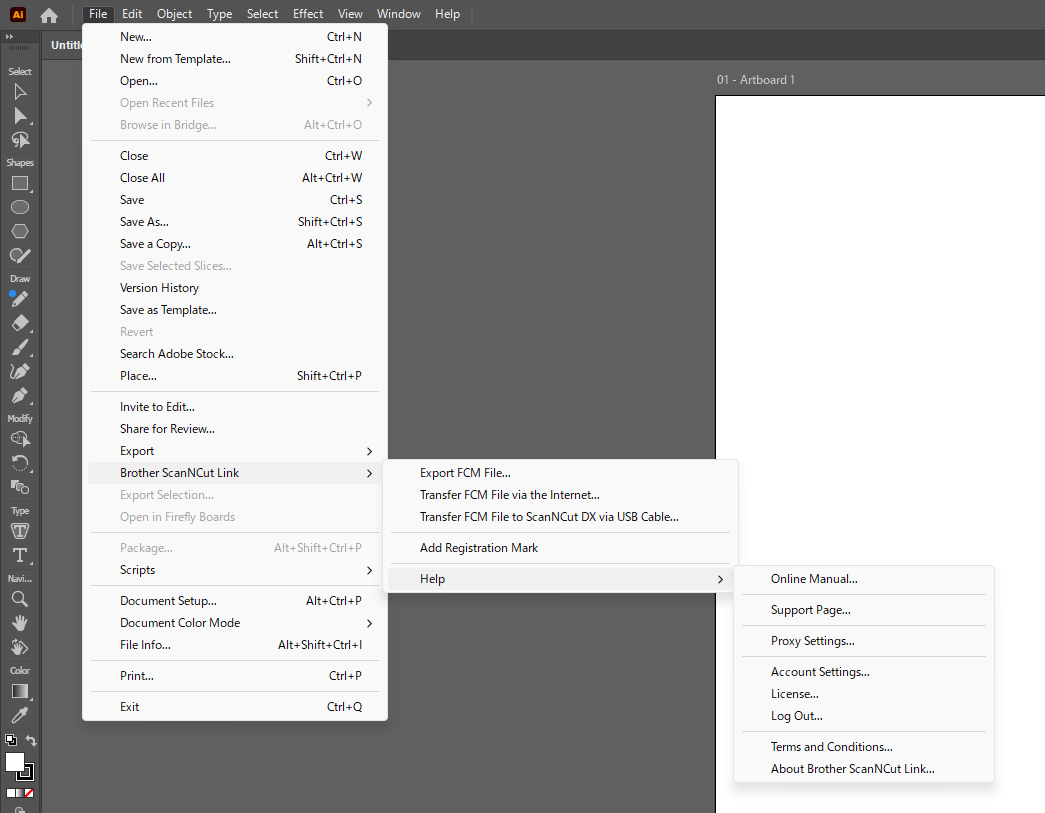
- Adobe product screenshot(s) reprinted with permission from Adobe.
- Adobe® Illustrator® software
- Adobe® Illustrator® are either registered trademarks or trademarks of Adobe in the United States and/or other countries.